Problem
Large vinyl collections are hard to search, remember and physically locate on the shelf.
CASE STUDY / VINYL CATALOG APP
A lo-fi mobile prototype for finding, browsing and organising a personal record collection.
Large vinyl collections are hard to search, remember and physically locate on the shelf.
Design a visual, lo-fi mobile app that makes records feel browsable, findable and easy to put away.
A working prototype exploring AI-assisted cataloguing, artwork-led browsing and tactile interaction.
The app explores a simple everyday problem: when you own hundreds of records, how do you quickly find the one you want?
Vinyl collections are physical, visual and personal. A useful app should not feel like a spreadsheet or admin tool. It should feel closer to browsing a record shop or old video store: image-led, tactile, slightly lo-fi and easy to wander through.
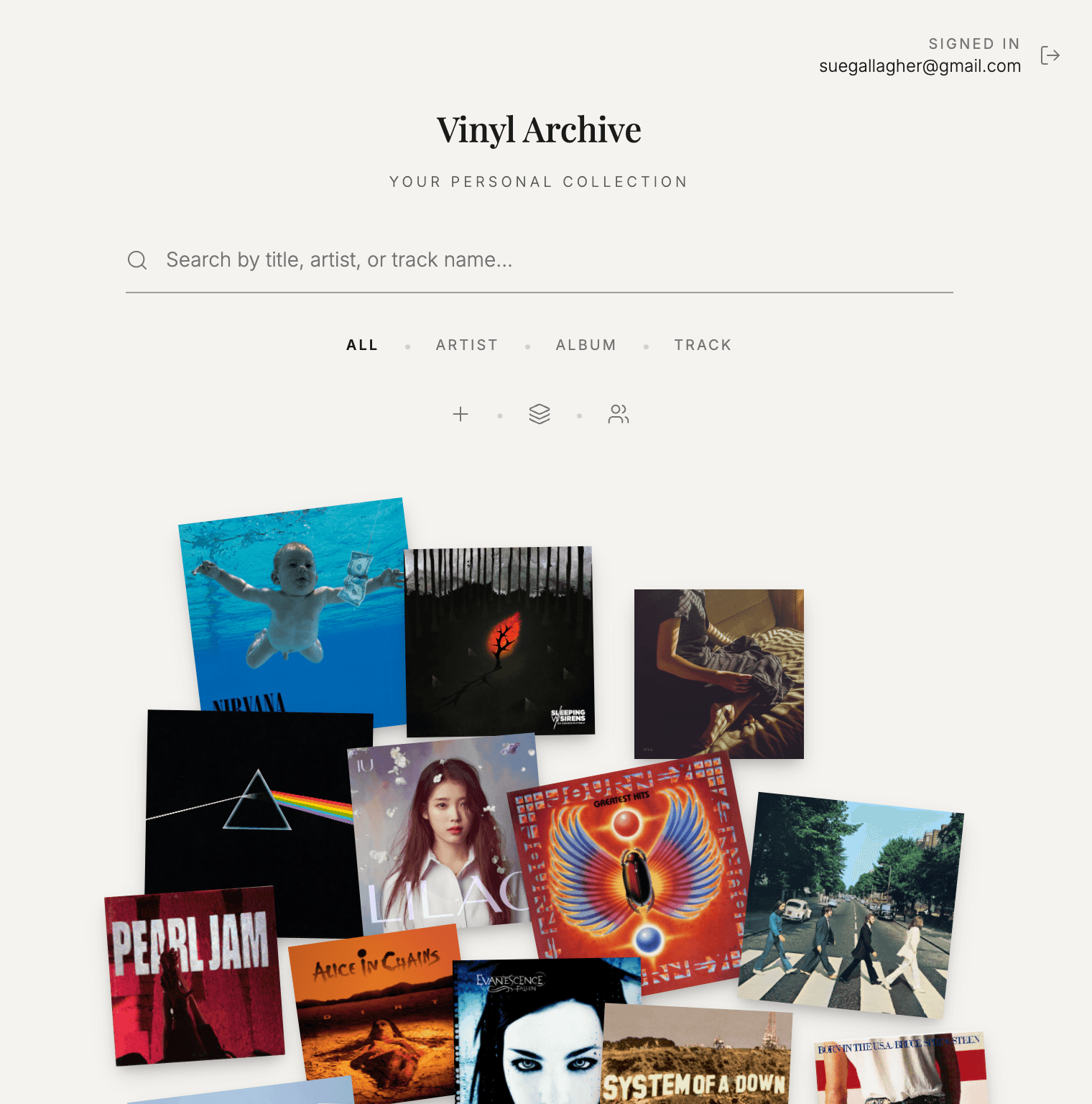
Records are represented primarily by their artwork. Users can browse their collection visually, check what they own, see what songs are on each record, and understand where a record belongs on the shelf.
The prototype also explores a more analog interaction idea: when a record is playing, it appears spinning in the app, making the digital layer feel connected to the physical object.
A record collection can become difficult to use once it grows beyond memory.
The problem is not only adding records to a database. It is knowing what you own, remembering which record contains which songs, finding the right sleeve on a crowded shelf, and putting it back somewhere you can find it again later.
The opportunity was to make organising records feel like part of the pleasure of owning them, rather than a separate admin task.
DECISION 01
Records are remembered visually. The app uses cover artwork as the primary way to browse, recognise and return to records, rather than treating the collection as a text-heavy list.
DECISION 02
The app should help users know where a record belongs physically, not just whether it exists digitally. The catalogue needs to support finding and putting away.
DECISION 03
The product direction should feel closer to a record shop or video store than a database. Motion, spacing, texture and browsing states should support that atmosphere.
DECISION 04
AI assistance can help identify albums, metadata and track information from photos, but it should stay in the background. The user should be able to review and correct suggestions.
DECISION 05
Real collections are messy. The interface should allow missing information, uncertain matches, edits and partial records without making the experience feel broken.
DECISION 06
Microinteractions should support the feeling of handling records: scanning, saving, opening a sleeve, browsing covers, and showing a record spinning when it is playing.
This is a working mobile prototype with login and core product flows.
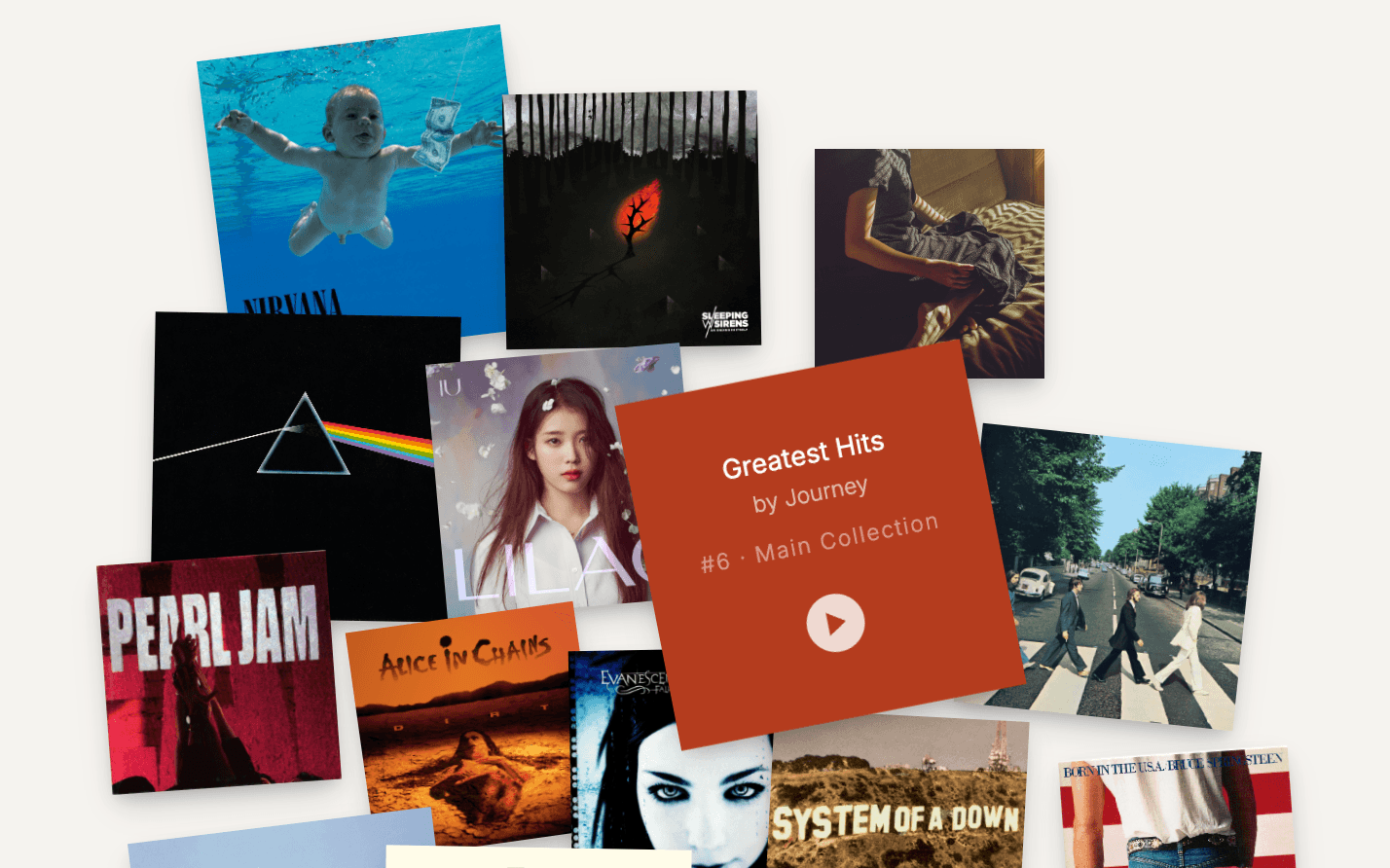
Records are represented primarily through artwork, not text-heavy catalogue rows. Tap or hover to view record details.
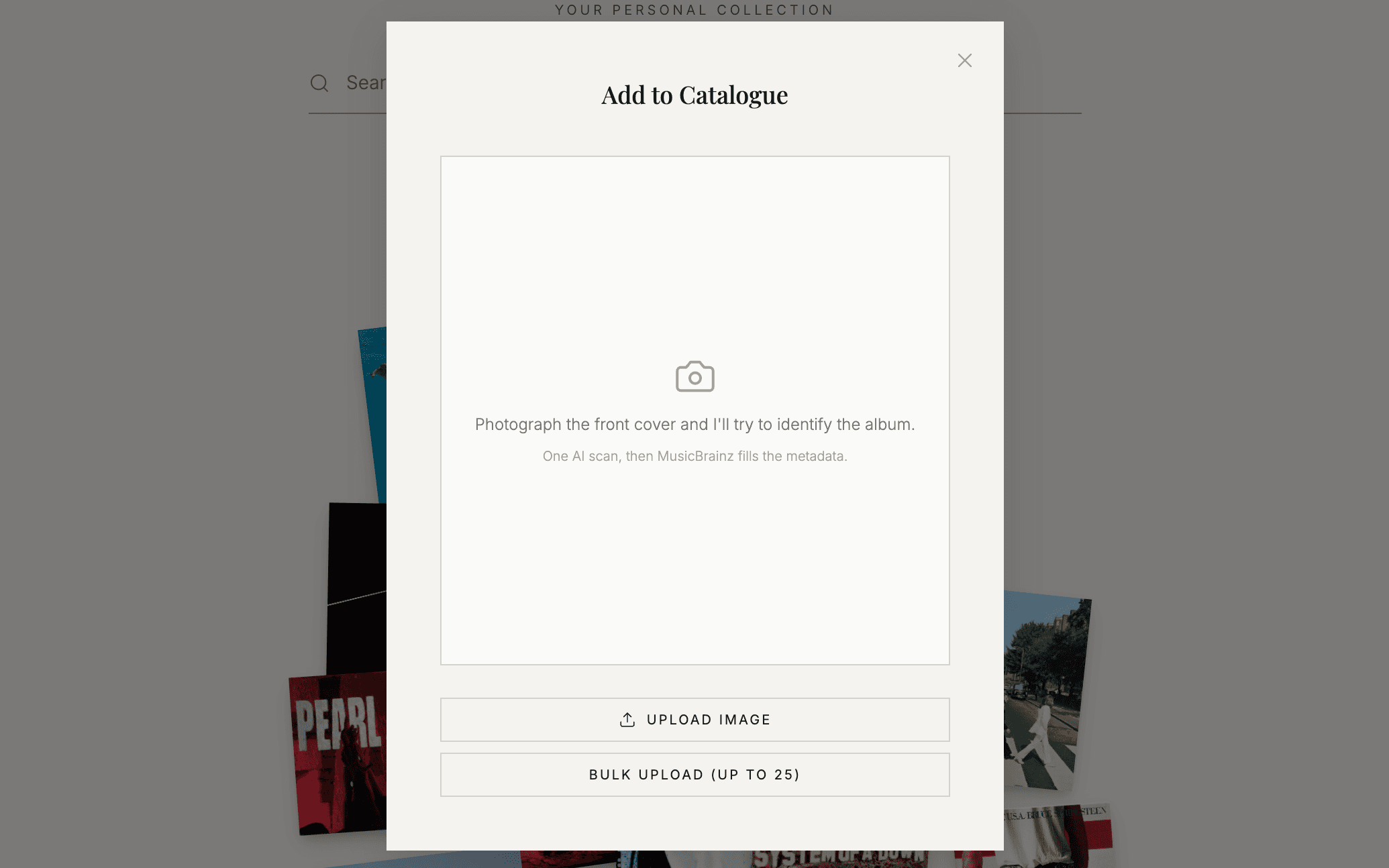
Photo-based entry reduces the work of adding records to the collection.
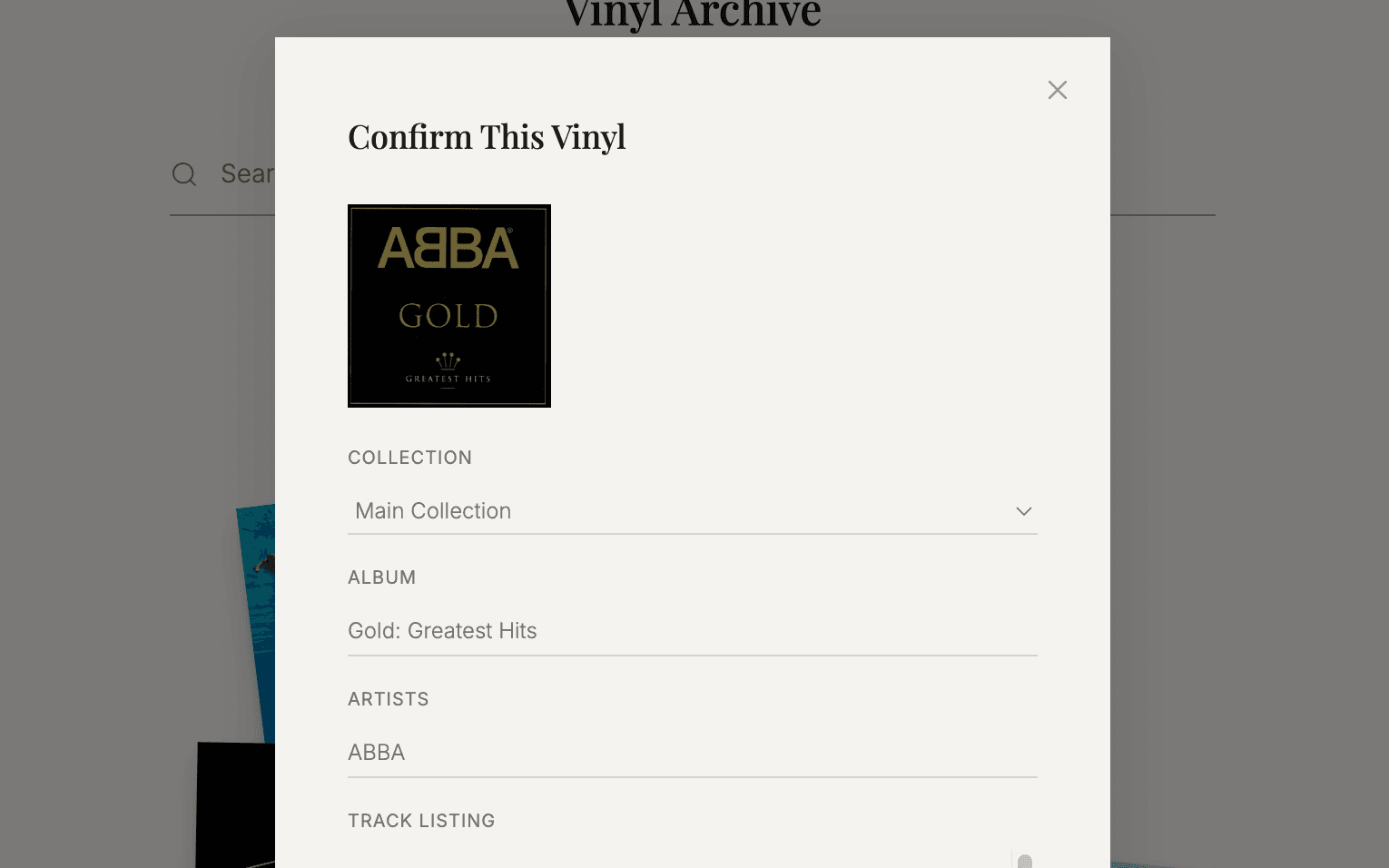
AI can suggest album, artist and track details while leaving the user in control.
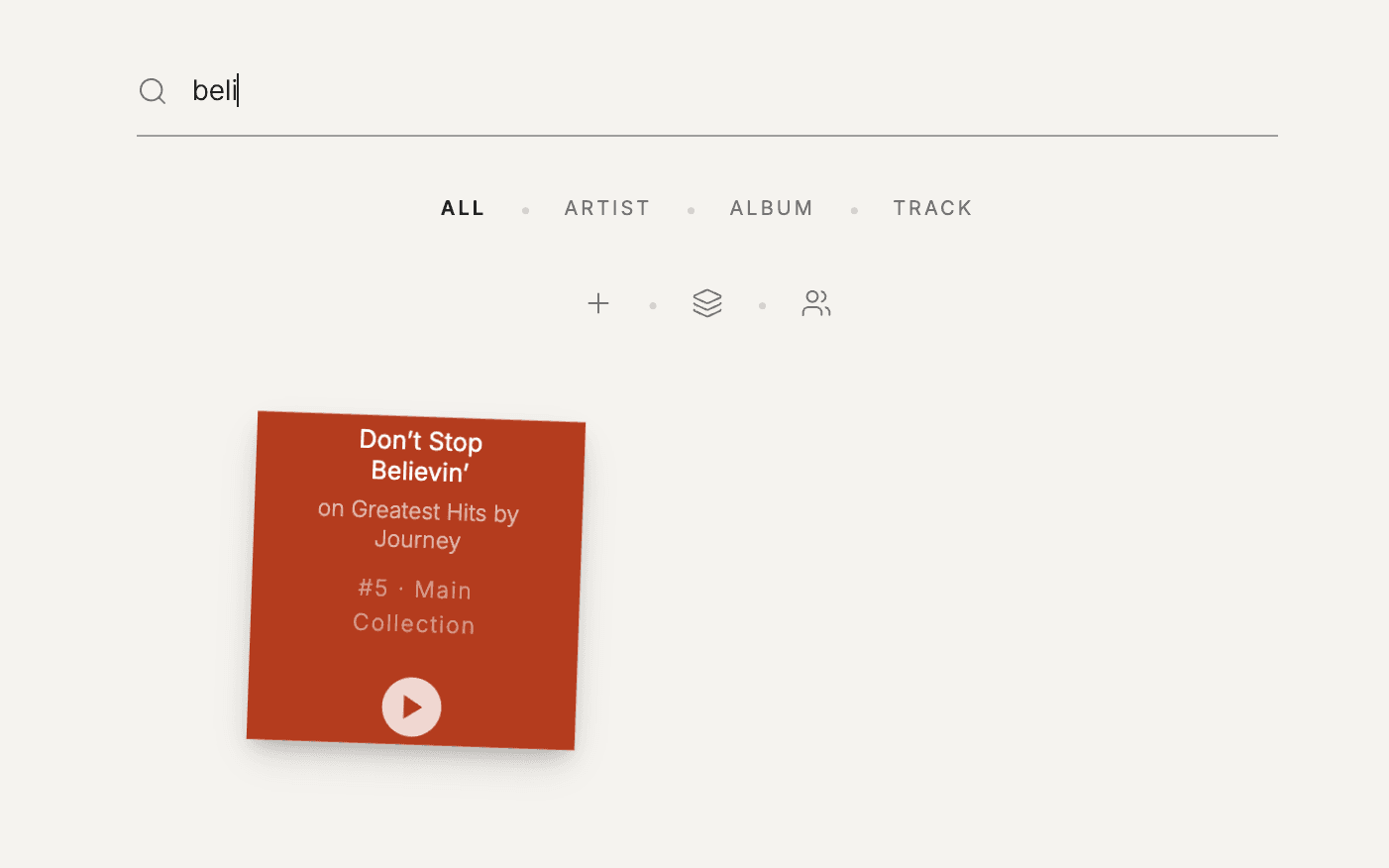
Record detail views help users know what they own and which songs are on each record.
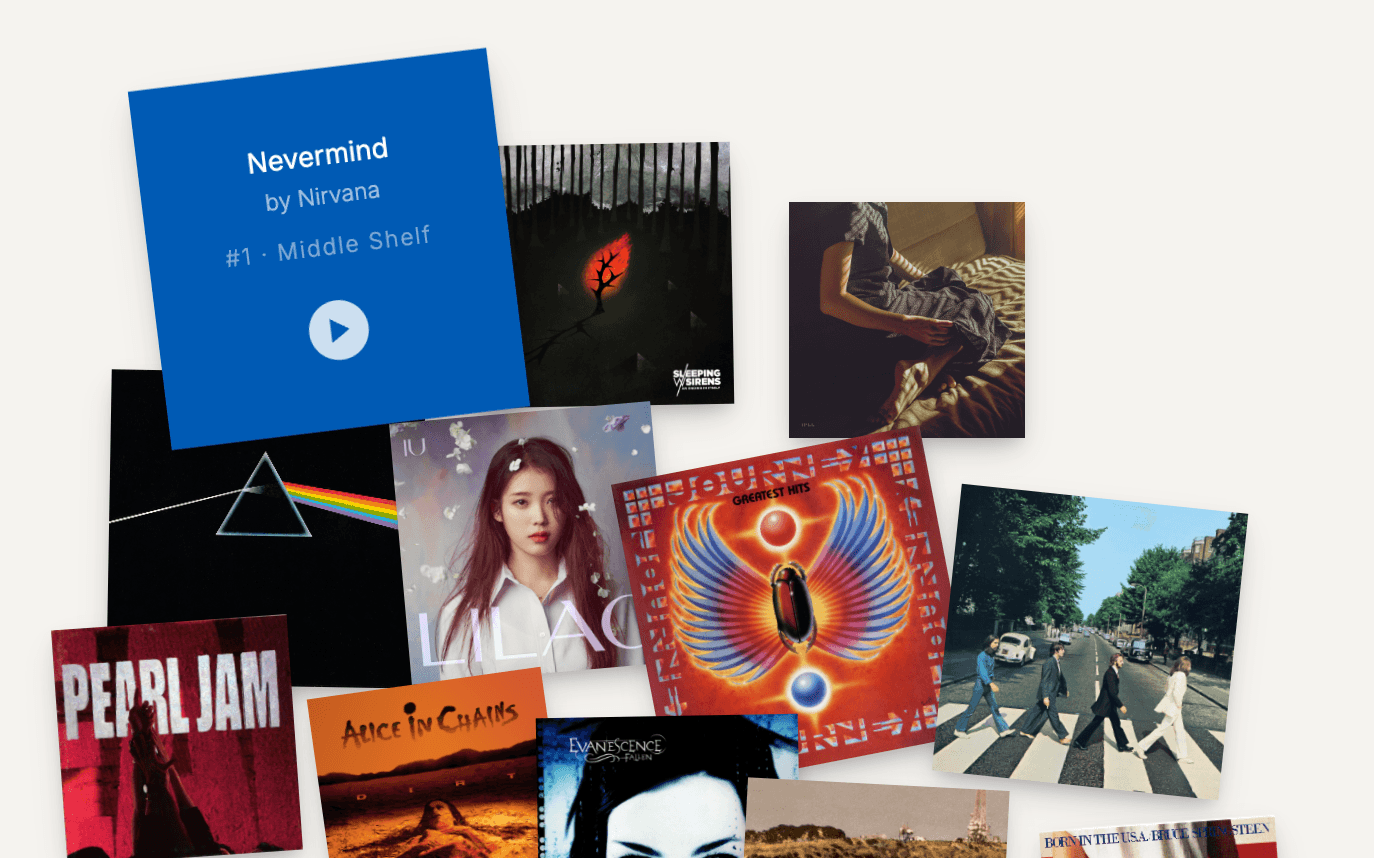
The app supports the physical task of finding and putting records away.
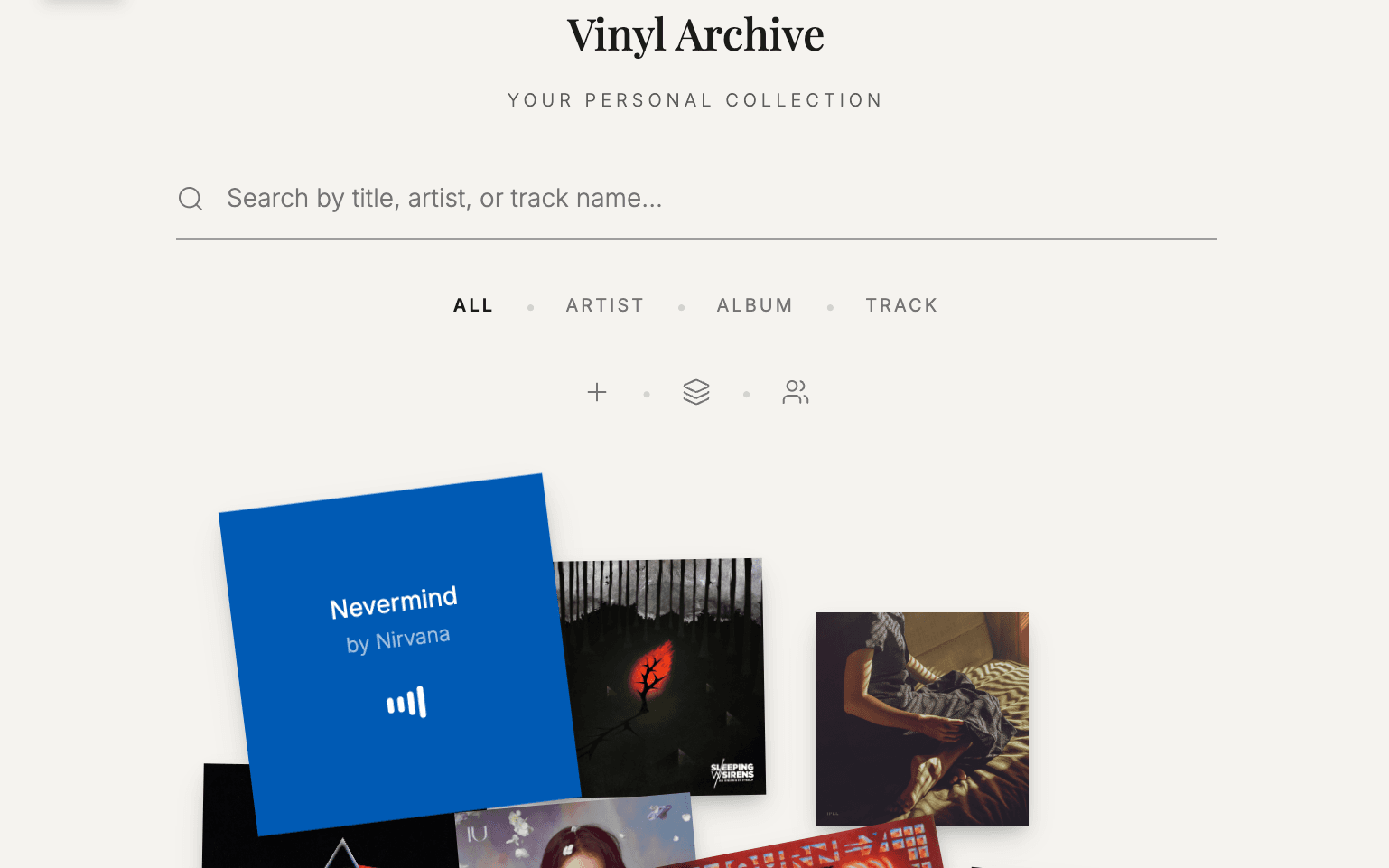
When a record is playing, it appears spinning in the app to reinforce the analog feel.
The interaction direction is deliberately tactile and restrained.
The app should make small actions feel clear: a record being scanned, a match being suggested, a card being saved, a cover being opened, or a record starting to play.
The spinning record state is an important part of the concept. It makes the app feel less like a catalogue and more connected to the analog experience of choosing, playing and putting away music.
AI is useful here only if it removes repetitive work without taking control away from the user.
The app can use AI to suggest album details, track listings, artist names and metadata from photos. But vinyl data can be messy, editions can vary, and recognition will not always be perfect.
The product should make suggestions easy to accept, edit or ignore. The user remains responsible for the final collection.